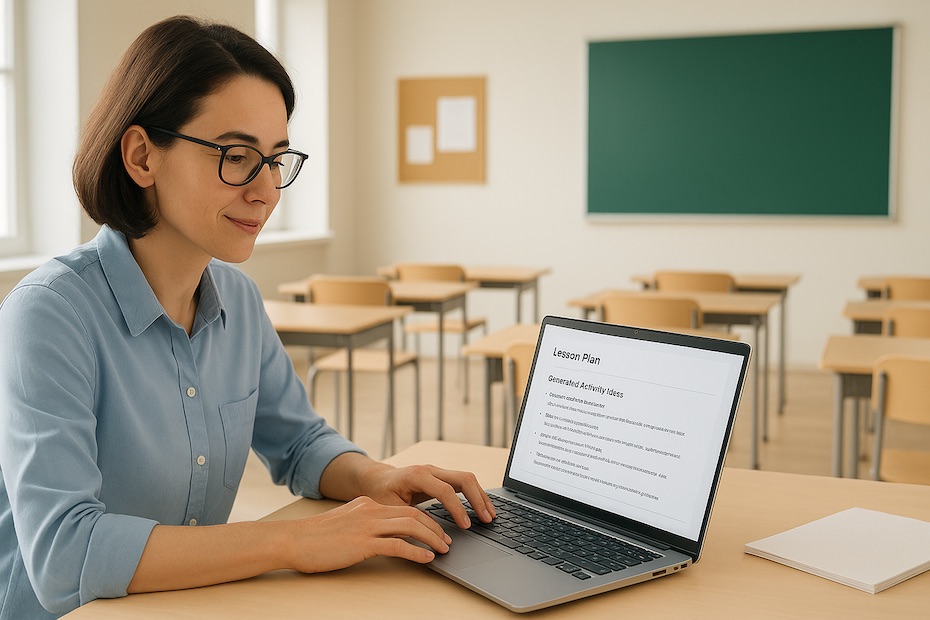
You use ChatGPT to generate creative activities, streamline prep work, and build personalized learning experiences that energize your classroom. It gives you a flexible way to elevate engagement without adding hours to your workload.
This guide shows you how to implement ChatGPT strategically as a teacher, using proven classroom ideas, real user questions, and practical examples from educators already applying AI. You’ll see how to adapt prompts, shape lessons, and deliver stronger student outcomes with precision.
What is ChatGPT and how does it support classroom teaching?
ChatGPT is an AI model that produces text, explanations, questions, and creative ideas based on your prompts. It supports classroom teaching by giving you instant access to draft lessons, differentiated tasks, and activity ideas tailored to the grade level or topic you specify.
Teachers use ChatGPT for quick outlines when planning under time pressure. You can enter learning objectives, standards, reading levels, and class size to generate a structured lesson plan that you refine afterward. This gives you a strong baseline without sacrificing accuracy or alignment with your curriculum.
The tool also helps you maintain momentum when teaching multiple subjects or handling large student groups. Instead of starting from zero, you prompt ChatGPT and then adjust the output to match your teaching style and student needs. That balance of speed and control strengthens your instructional performance.
How can ChatGPT make lesson planning faster without lowering quality?
ChatGPT speeds up lesson planning by producing idea lists, full lesson sequences, worksheets, and discussion prompts instantly. You stay in full control, but you benefit from rapid first drafts that reduce your prep time significantly.
You can ask for specific time blocks—like “create a 40-minute reading lesson with three activities”—and it will return a structured sequence you refine. When you plan several classes a day, this lets you keep your planning consistent and efficient.
Teachers who use ChatGPT this way often add classroom-specific details like behavior expectations, materials on hand, or pacing notes. This ensures you maintain quality while reducing repetitive planning work.
What are some creative classroom activities ChatGPT can help you design?
ChatGPT can generate highly engaging activities when you give it the right prompt. You can ask for role-play scripts, writing prompts, debate questions, challenge tasks, peer-review exercises, and collaborative games.
One effective use is co-building activities with your students. You ask ChatGPT for a base prompt, show it to the class, and let them adapt it. This turns AI into a collaboration point rather than a shortcut. Students enjoy shaping the task and take more ownership of their learning.
You can also use ChatGPT to create tiered activities so different learners get content that fits their skill level. This reduces the time you spend individualizing tasks and increases participation across the room.
How does ChatGPT help with student assessments and feedback?
ChatGPT can generate assessment questions, comprehension checks, and practice activities aligned with your targets. You can request multiple levels of difficulty, build answer keys, and even draft feedback comments based on common student errors.
Teachers frequently use ChatGPT to write formative-assessment questions for reading, math, science, and humanities. When you have a tight schedule, this lets you build meaningful checkpoints without rushing or cutting corners.
For feedback, ChatGPT is especially effective when you input the rubric and ask for variations of comments. You then edit for accuracy and tone. This accelerates your grading workflow and gives students clearer guidance on what to improve.
What are the key benefits of using ChatGPT in your classroom?
Using ChatGPT as a teaching tool strengthens your classroom performance in several ways:
- Time efficiency: Faster prep means you focus more on students.
- Differentiation: You generate custom materials for varied reading levels or learning needs.
- Student engagement: Creative prompts and unique activities increase participation.
Educators consistently highlight the value of using AI to reduce repetitive tasks and create room for better instructional decision-making. When you use ChatGPT strategically, you raise the overall quality of your teaching day without adding stress.
How do you prevent over-reliance on AI among students?
You prevent student over-reliance by guiding them to analyze AI output instead of submitting it unchanged. You establish rules that require students to annotate, compare, correct, or expand what ChatGPT generates.
Students quickly see that AI is a starting point—not a shortcut—when they must show evidence of reasoning. You can structure class tasks so students critique ChatGPT responses, identify errors, strengthen arguments, or rewrite sections. This builds critical thinking and reduces dependence.
Your role becomes coaching students to use ChatGPT responsibly. When you position AI as a tool that enhances thinking rather than replaces it, students develop stronger academic behaviors.
How do teachers implement ChatGPT effectively from day one?
To integrate ChatGPT into your teaching workflow, use a clear, repeatable process:
Step 1: Clarify the goal
Decide whether you’re generating a lesson plan, activity, worksheet, quiz, or feedback template.
Step 2: Create a structured prompt
Include grade level, topic, time length, learning objectives, reading level, and any constraints.
Step 3: Review and refine the output
Check accuracy, tone, pacing, and alignment with your curriculum.
Step 4: Use AI as a support—not a substitute
Integrate the content into your lesson, but keep your teaching style central.
Step 5: Evaluate outcomes
Observe student engagement, performance, and clarity of instruction. Adjust your prompts to improve results.
This process makes ChatGPT a stable, high-performance tool in your daily teaching routine.
Common ways teachers use ChatGPT
- Build lesson plans
- Draft classroom activities
- Create differentiated materials
- Generate quizzes
- Provide feedback templates
Elevate Your Classroom With AI-Driven Creativity
You now have a full playbook for using ChatGPT to strengthen your teaching—faster planning, more creative lessons, differentiated tasks, and smoother assessment workflows. When you use AI with intention, you unlock more time, more clarity, and more energy for the parts of teaching that matter most. You’re positioned to lead your classroom with a modern toolkit that supports stronger learning outcomes.
If you want more AI-driven teaching strategies, explore my other guides and resources on my behance.

Jeffrey Hammel is a chief financial officer in corporate finance with an MBA from Indiana University’s Kelley School of Business. He partners with boards and leadership teams on risk management, M&A integration, business planning, and growth—and is known for building trust-based, high-performance cultures.